Hair Color Levels: From 1 to 10
Learn to correctly identify natural tone levels and underlying pigments from 1 to 10. The essential foundation for all professional hair color formulation.
Blendsor
Blendsor Team
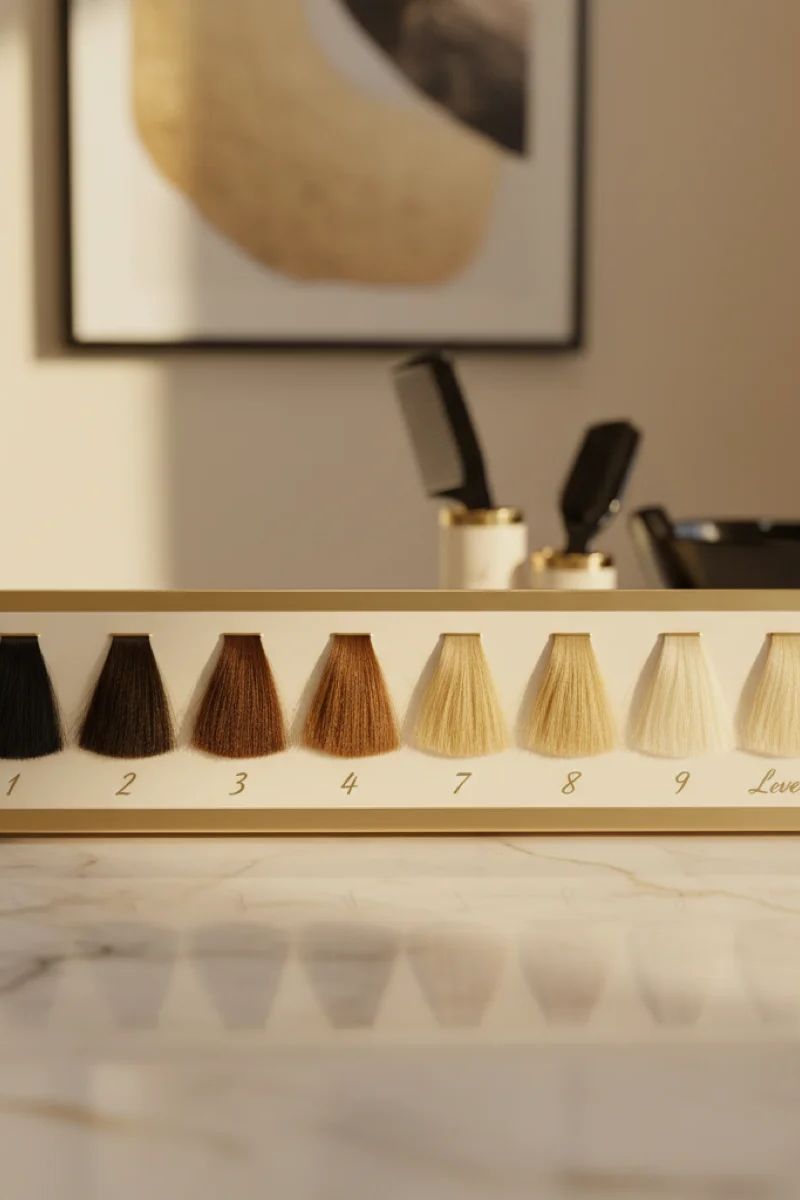
Hair color levels range from 1 (black) to 10 (extra light blonde), representing how light or dark hair appears. This universal numbering system is the foundation of all professional color formulation—master it, and you’ll predict results with precision every time.
If you’re serious about formulating with confidence, understanding levels is non-negotiable. For the complete scientific foundation, see our comprehensive guide to hair colorimetry basics.
What Are Color Levels?
Color levels represent the lightness or darkness of a tone—nothing more, nothing less. The most widely used system goes from 1 (black) to 10 (extra light blonde). Every professional hair color brand uses this scale, making it the universal language of colorists worldwide.
| Level | Description | Underlying Pigment |
|---|---|---|
| 1 | Black | Red |
| 2 | Very dark brown | Red |
| 3 | Dark brown | Red-orange |
| 4 | Medium brown | Orange-red |
| 5 | Light brown | Orange |
| 6 | Dark blonde | Yellow-orange |
| 7 | Medium blonde | Orange-yellow |
| 8 | Light blonde | Yellow |
| 9 | Very light blonde | Light yellow |
| 10 | Extra light blonde | Pale yellow |
Melanin Composition by Level
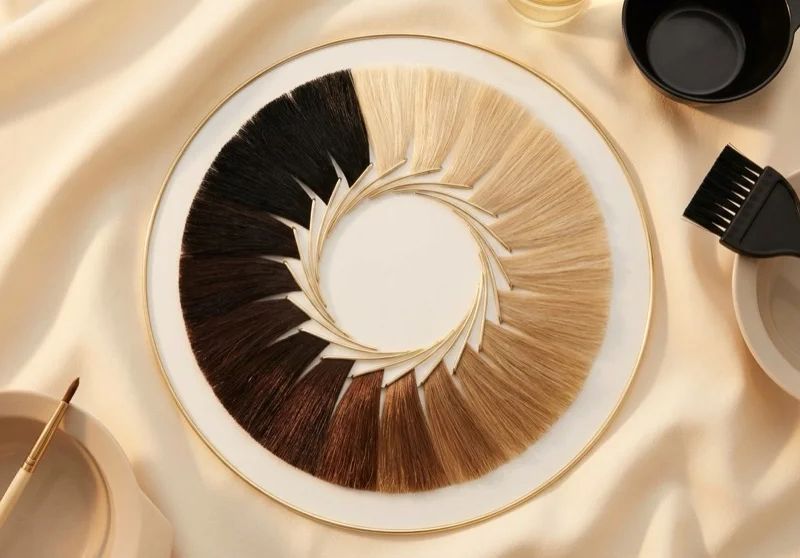
According to the Society of Cosmetic Chemists, eumelanin produces dark tones while pheomelanin creates reddish and yellow hues. This composition shifts across levels and directly impacts how hair behaves during lightening:
| Level Range | Dominant Melanin | Resulting Color | Lightening Behavior |
|---|---|---|---|
| 1-4 | Eumelanin (high concentration) | Dark tones, from black to brown | Slow release; intense reds and oranges emerge |
| 5-7 | Mixed (eumelanin + pheomelanin) | Medium tones, browns to dark blondes | Orange-to-yellow transition; most unpredictable zone |
| 8-10 | Pheomelanin (predominant) | Light tones, blondes | Rapid lightening; persistent yellow residue |
How to Identify Natural Level
To correctly identify your client’s natural level:
- Good lighting: Use natural light or neutral white light
- Sample area: Observe the nape area (less sun-exposed)
- Compare with swatches: Use your brand’s swatch book
- Consider gray hair: 50% gray can raise the perceived level
The Underlying Pigment
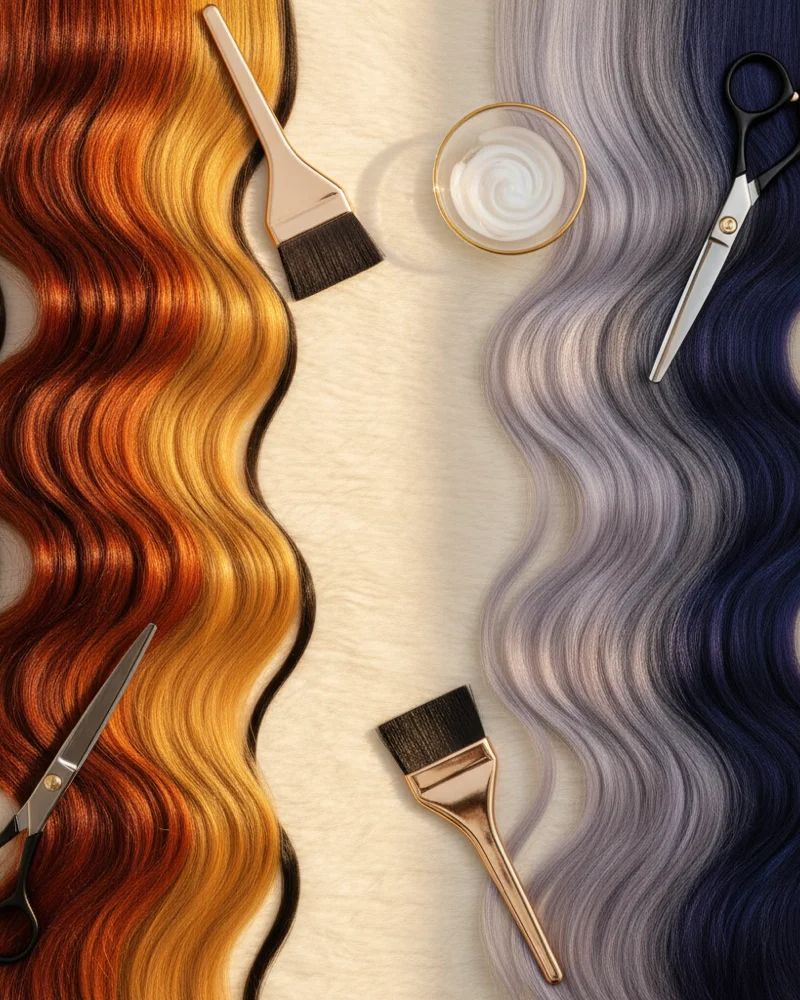
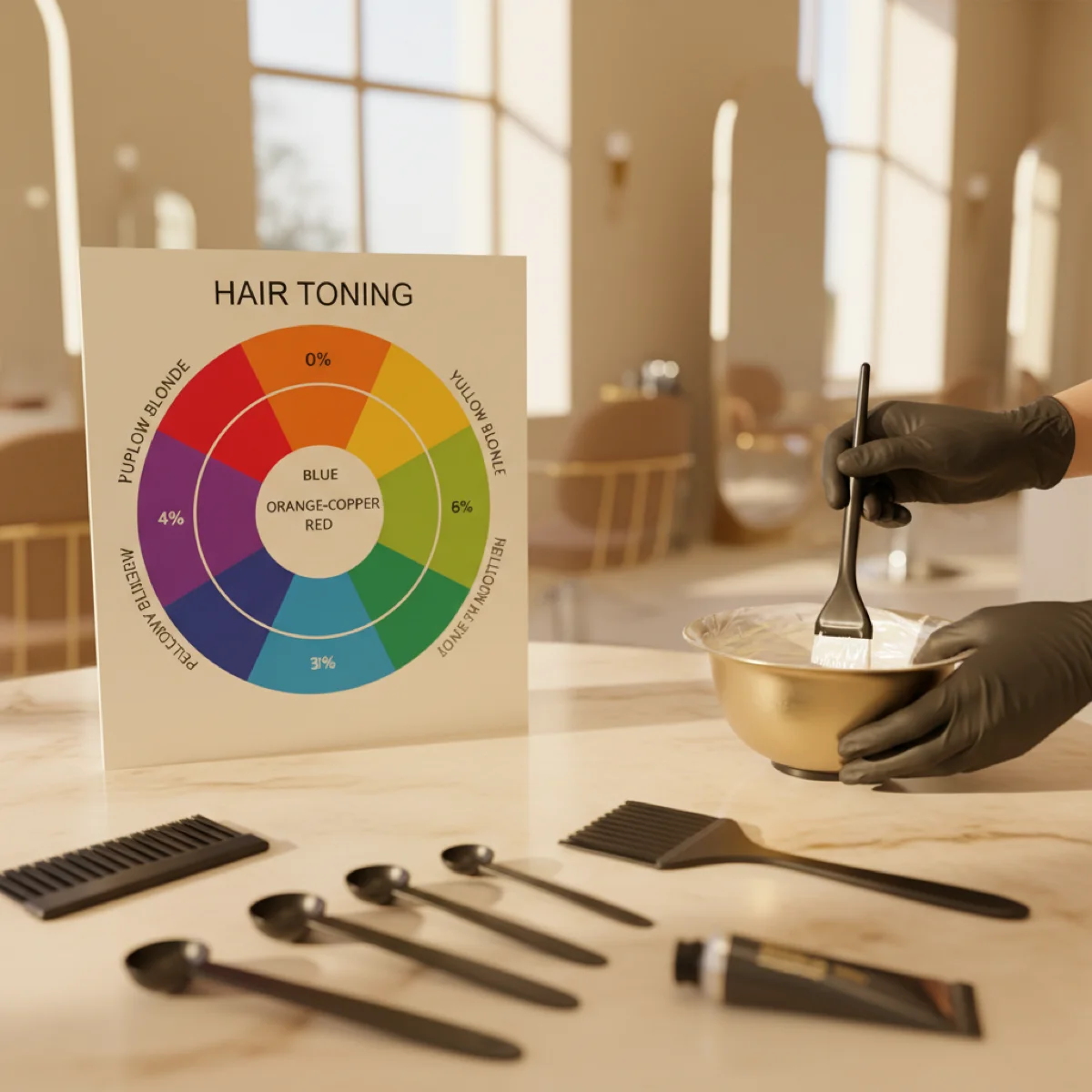
When we bleach or lighten hair, the underlying pigment appears. This underlying pigment varies by level:
- Levels 1-4: Reds predominate
- Levels 5-6: Oranges predominate
- Levels 7-10: Yellows predominate
Why It’s Important
The underlying pigment determines:
- What tones you’ll need to neutralize
- What final shade you’ll achieve
- Which developer volume you need to reach desired level
The 4-Level Rule
A fundamental rule: oxidative color can lift maximum 4 levels on natural hair.
For example:
- Level 4 → maximum level 8
- Level 6 → maximum level 10
For more lift, you’ll need pre-lightening techniques.
Recommended Developer by Lift Target
Choosing the right developer is critical. This table maps lift goals to the appropriate concentration:
| Levels of Lift | Recommended Developer | Approximate Time | Notes |
|---|---|---|---|
| 1 level | 10 vol (3%) | 25-30 min | Best for darkening or deposit-only services |
| 2 levels | 20 vol (6%) | 30-35 min | Standard choice for most services |
| 3 levels | 30 vol (9%) | 35-40 min | Higher damage risk; assess hair condition first |
| 4 levels | 40 vol (12%) | 40-45 min | Maximum with dye; only on healthy virgin hair |
For a deep dive into developers, see our developer volumes guide.
Common Mistakes by Level Range
Each level range presents specific challenges. Knowing them helps you anticipate problems before they happen:
| Range | Typical Mistake | Consequence | Solution |
|---|---|---|---|
| 1-4 (dark) | Underestimating red undertone when lifting | Unwanted orange or coppery result | Use ash (.1) as secondary reflect; pre-neutralize before toning |
| 5-7 (medium) | Misdiagnosing level due to prior color buildup | Wrong formula, unpredictable result | Always compare with swatches at the nape under neutral light |
| 8-10 (light) | Over-toning with violet | Hair turns gray or lavender | Reduce toning time; use .01 instead of .1 |
Tools for the Modern Colorist
With Blendsor, you can analyze your client’s tone level with just a photo. The AI identifies:
- Natural tone level
- Probable underlying pigment
- Presence of artificial tones
- Hair condition
This allows you to formulate more precisely and reduce costly errors.
Frequently Asked Questions
What is the easiest way to determine hair color level?
The most reliable method is comparing the client’s natural hair against a professional swatch book under neutral white light. Always check the nape area, as it’s least affected by sun exposure and artificial color buildup.
Can I lift hair more than 4 levels with regular color?
No—oxidative hair color can lift a maximum of 4 levels on natural, virgin hair. For example, level 4 can reach level 8 maximum. For greater lift, you’ll need pre-lightening techniques like bleach or high-lift color.
Why does underlying pigment matter in formulation?
Underlying pigment (also called contributing pigment) determines what warm tones will appear as you lighten hair. Ignoring it leads to brassy results. For instance, lifting level 5 exposes orange pigment that must be neutralized with blue-based tones.
How do gray hairs affect level identification?
Gray hair has no melanin, so it appears lighter. A client with 50% gray may appear to be level 7, but their natural pigmented hair might be level 5. Always assess the pigmented sections separately for accurate formulation.
Key Takeaways
- Levels 1-10 represent darkness to lightness—universal across all brands
- Underlying pigment shifts from red (levels 1-4) to orange (5-6) to yellow (7-10)
- Maximum lift with oxidative color is 4 levels on virgin hair
- Always diagnose under neutral light, checking the nape area
Ready to formulate with scientific precision? With Blendsor, you can photograph your client’s hair and the AI instantly identifies level, underlying pigment, and recommends the perfect formula.
Related articles

Practice with our free tools
Calculators, neutralization wheel, AI consultation...
Apply this theory with precision
Blendsor analyzes 70+ variables and generates exact formulas based on real colorimetry. Try our free color consultation or download the app.
Download free